The Strategic Importance of Server Wipes
In the world of Rust, a wipe is more than just a reset; it is a vital tool for gameplay balance. Without regular clears, high-population servers can become stagnant, where established clans dominate and newcomers stand no chance. Wipes level the playing field, keeping the survival experience fresh and competitive.
Setting Up Automated Resets
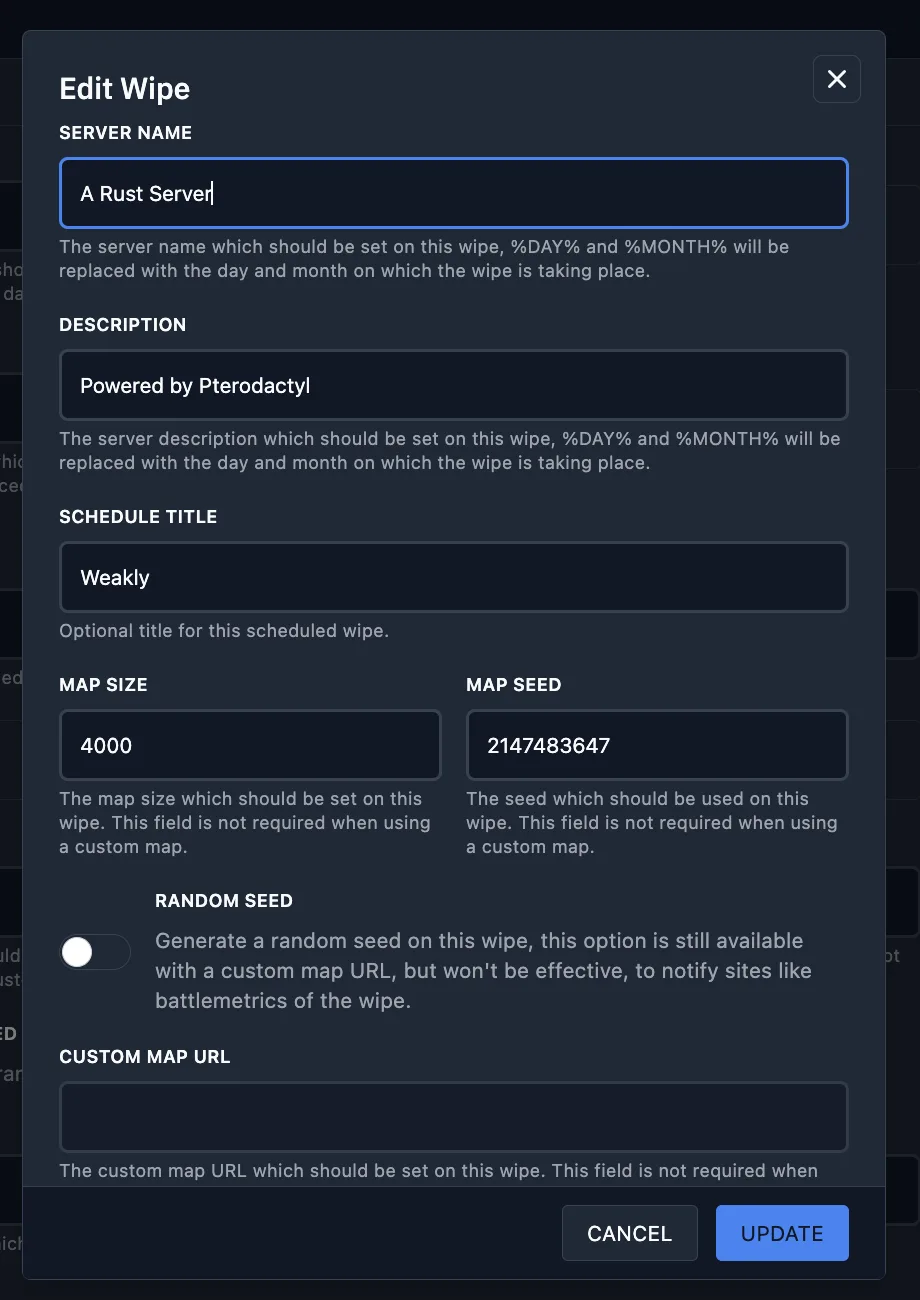
To automate this process, navigate to the "Wipes" tab in your management panel. Here you will find a comprehensive configuration form. Let’s break down each parameter:
- Server Name: Define how your server will appear post-wipe. You can modify the current name or use dynamic placeholders like
%DAY%and%MONTH%to automatically insert the date of the reset.
- Server Description: Update your server's "About" section. Similar to the name, you can fetch current data and use placeholders for dynamic date updates.

- Wipe Name: An internal label used for your convenience in the panel's schedule.

Map & Technical Configuration
Managing the world state requires precise control over world generation and time settings.
- Timezone Management: Use the dedicated button to adjust the server's local time, ensuring scheduled wipes happen exactly when expected.

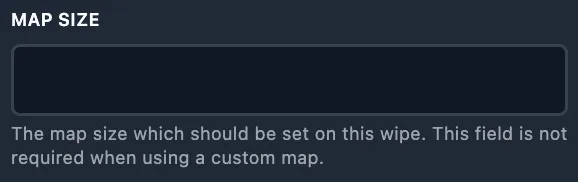
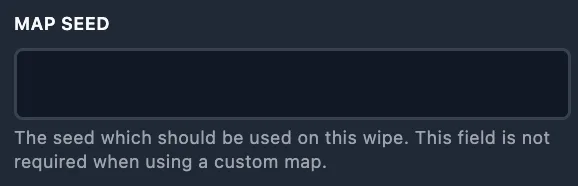
- Map Size & Seed: For procedural maps, specify the dimensions and the generation seed.
- Custom Map URL: If you use pre-generated or custom-made maps from external repositories, enter the download link here. This overrides the random seed.

Data Retention and Scheduling
The most critical part of a wipe is choosing what data to destroy.
- File Selection: You must manually specify which files to delete (e.g.,
/server/rust/*.map). Use the "Select Files" button for precision. Note: No files are deleted automatically; you are in full control.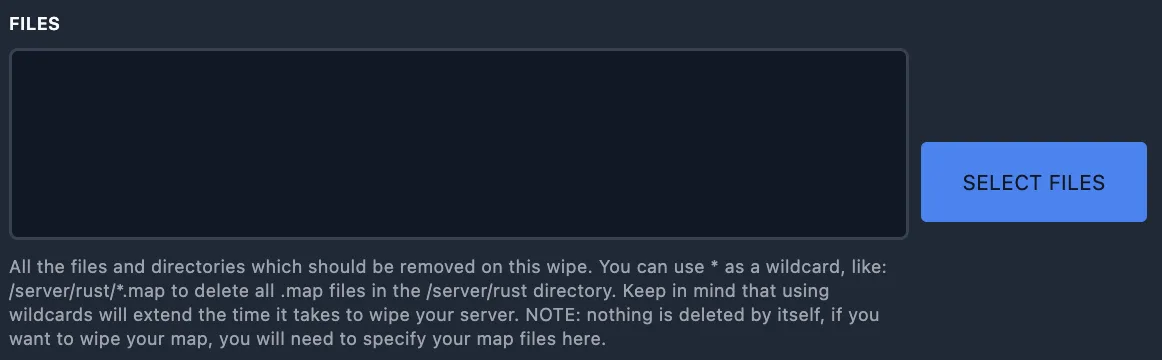
- Blueprint Wipe: Enable this to perform a "Full Wipe," removing all player-learned blueprints.

- Scheduling: Wipes can be instant, one-time (set for a specific future date), or recurring.
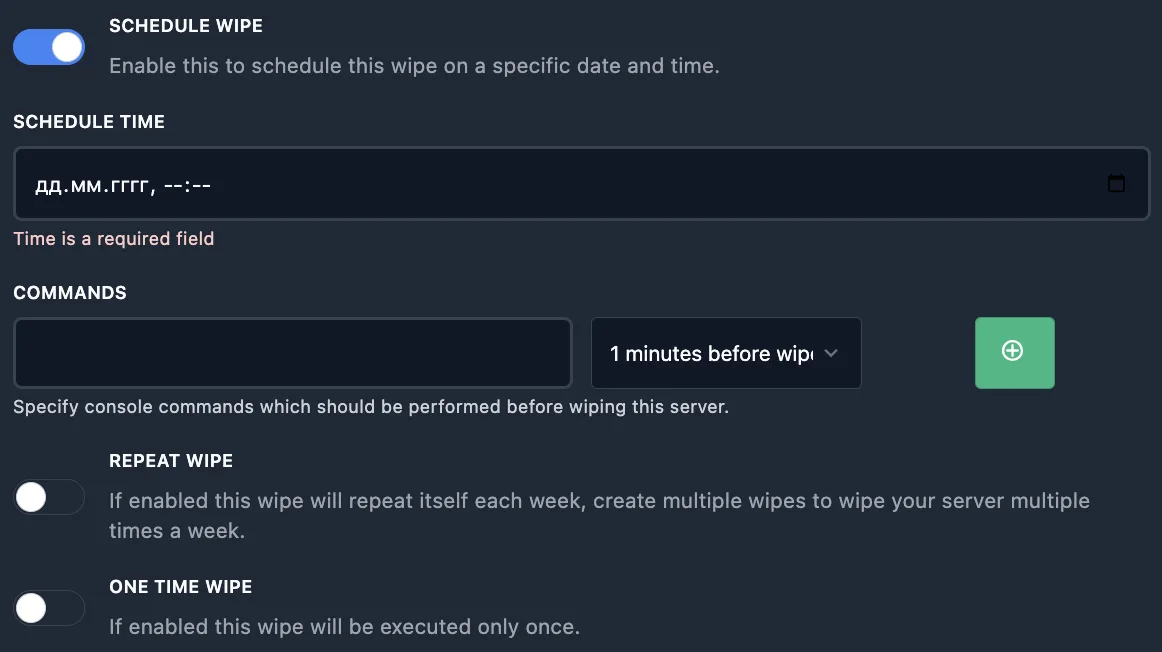
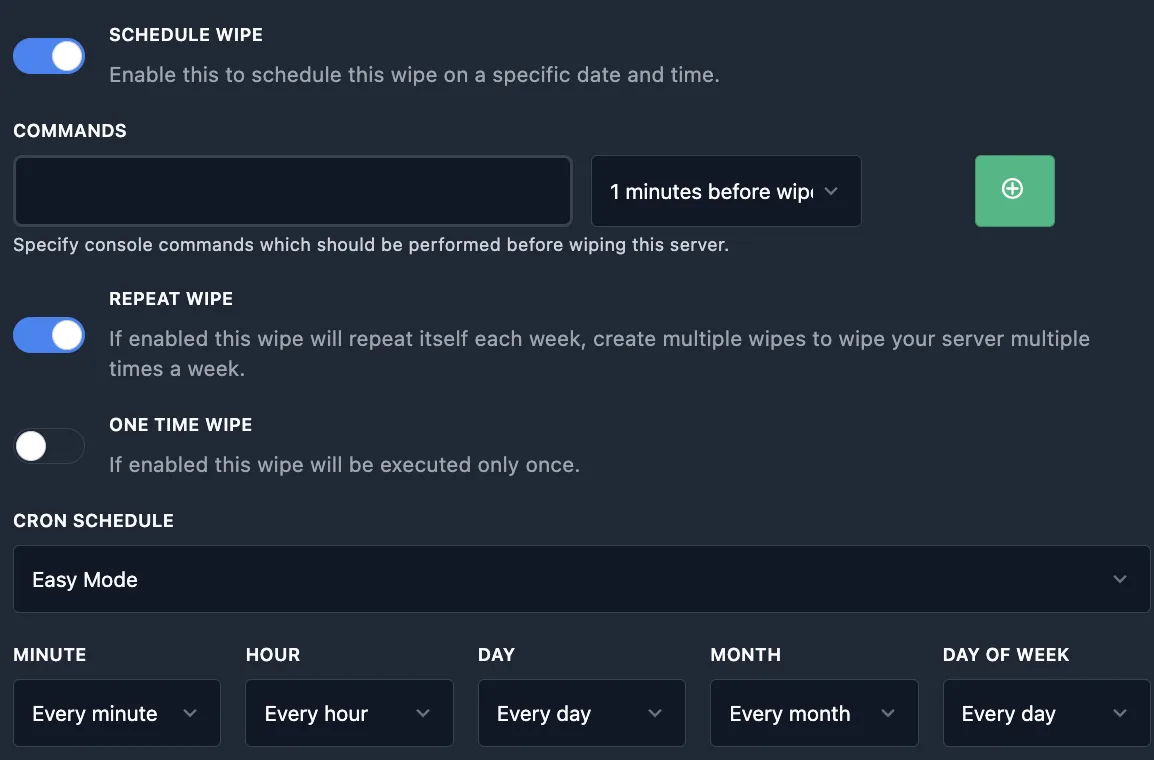
- Cron Cycles: For recurring wipes, use the "Professional Mode" with cron formatting or choose from easy presets for weekly or bi-weekly cycles.
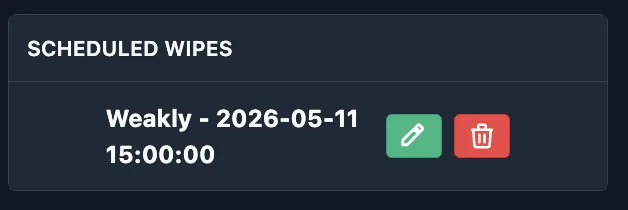
Manage all your upcoming resets via the Scheduled Wipes list on the right side of the screen, where you can edit or cancel any plan.